mirror of
https://github.com/cuiocean/ZY-Player.git
synced 2026-02-08 21:23:39 +08:00

45 lines
1.6 KiB
Markdown
45 lines
1.6 KiB
Markdown
<p align="center">
|
|
<img src="https://i.loli.net/2020/01/20/WEj3Yw8rPXqTcHe.png" >
|
|
</p>
|
|
<p align="center">
|
|
<img src="https://forthebadge.com/images/badges/built-with-love.svg">
|
|
<img src="https://forthebadge.com/images/badges/made-with-vue.svg">
|
|
<p>
|
|
<p align="center">
|
|
<img alt="GitHub" src="https://img.shields.io/github/license/Hunlongyu/ZY-Player?style=for-the-badge">
|
|
<img alt="GitHub All Releases" src="https://img.shields.io/github/downloads/Hunlongyu/ZY-Player/total?style=for-the-badge">
|
|
<img alt="GitHub release (latest by date including pre-releases)" src="https://img.shields.io/github/v/release/Hunlongyu/ZY-Player?include_prereleases&style=for-the-badge">
|
|
<p>
|
|
|
|
# ZY Player
|
|
|
|
资源播放器, 提供影视资源的浏览,搜索,播放,收藏,查看详情等功能.
|
|
|
|
### 截图:
|
|
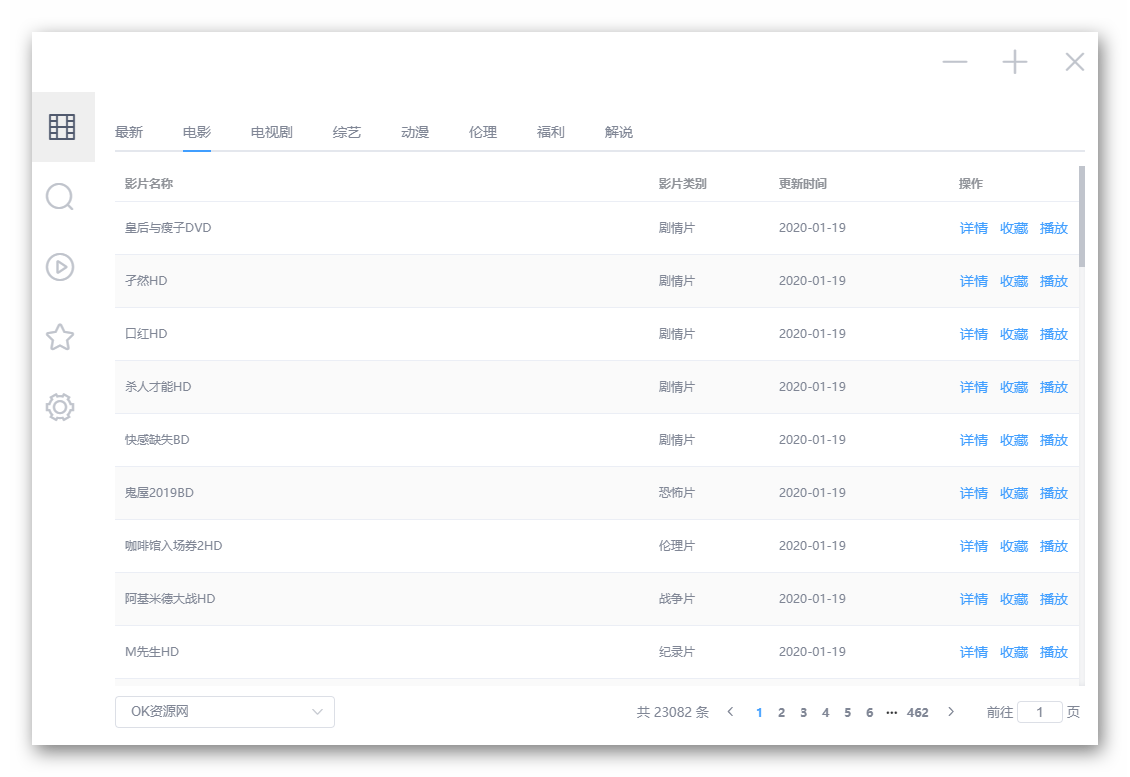
主界面 ⬇
|
|
|
|
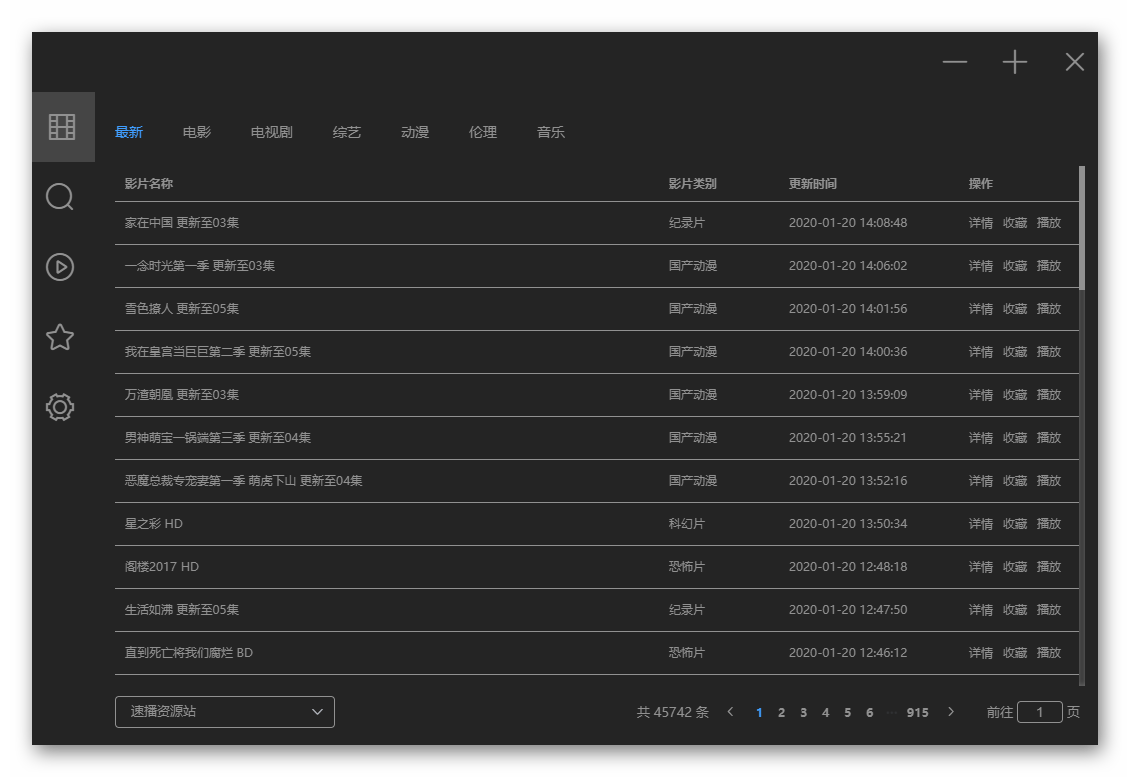
暗黑主题 ⬇
|
|
|
|
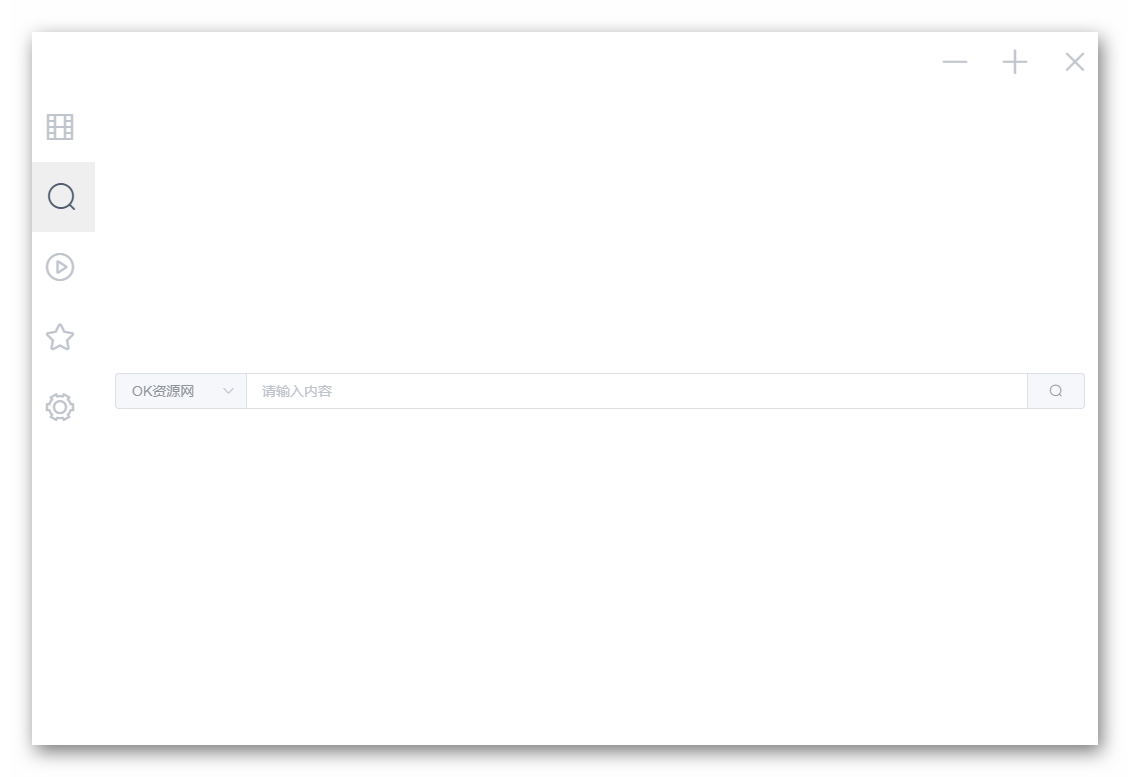
搜索 ⬇
|
|
|
|
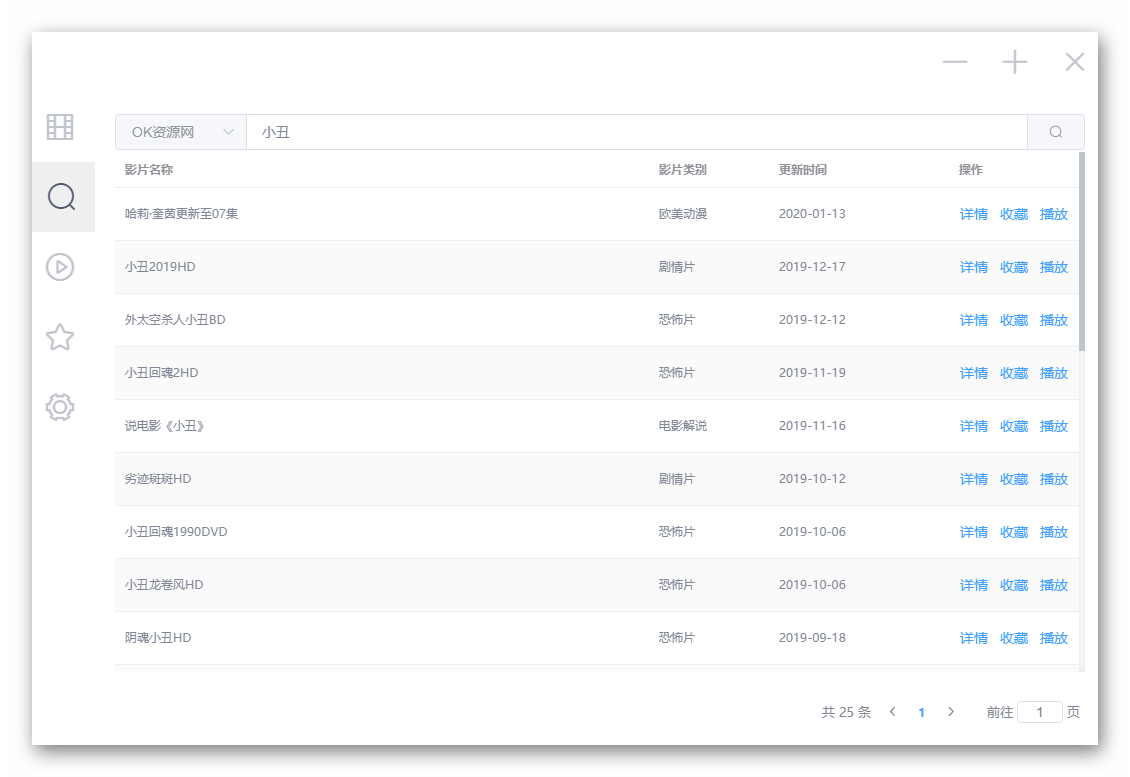
搜索结果 ⬇
|
|
|
|
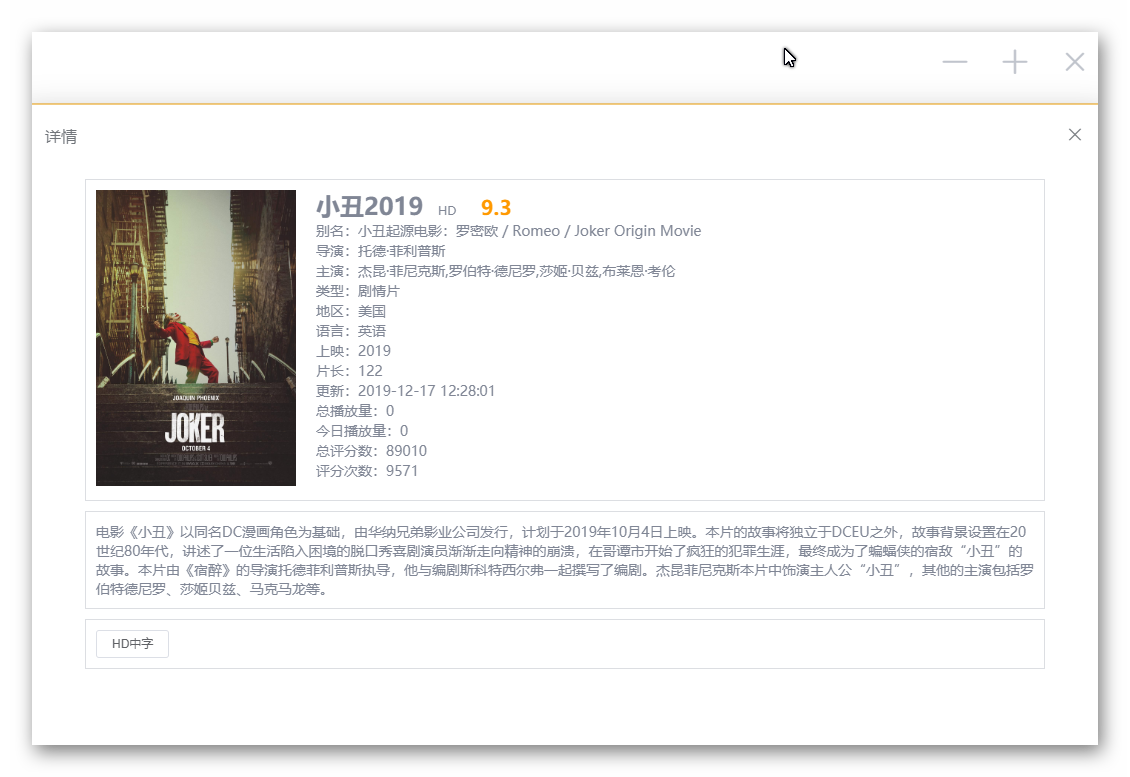
详情 ⬇
|
|
|
|
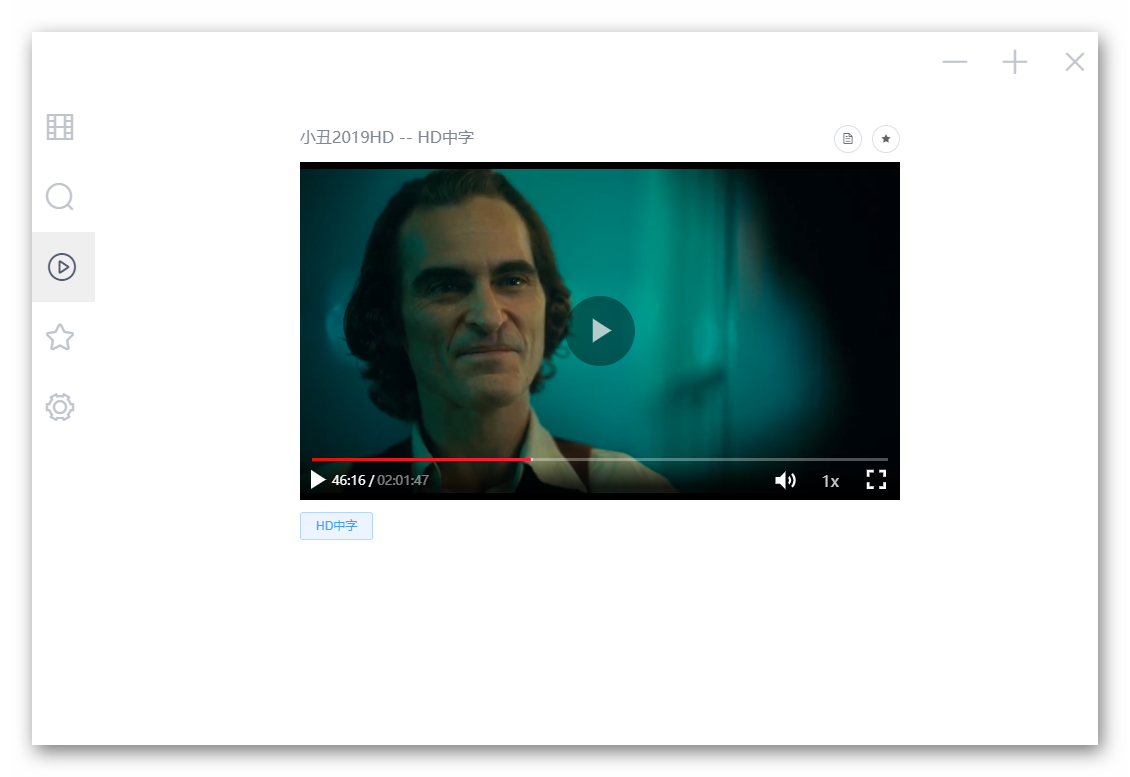
播放 ⬇
|
|
|
|
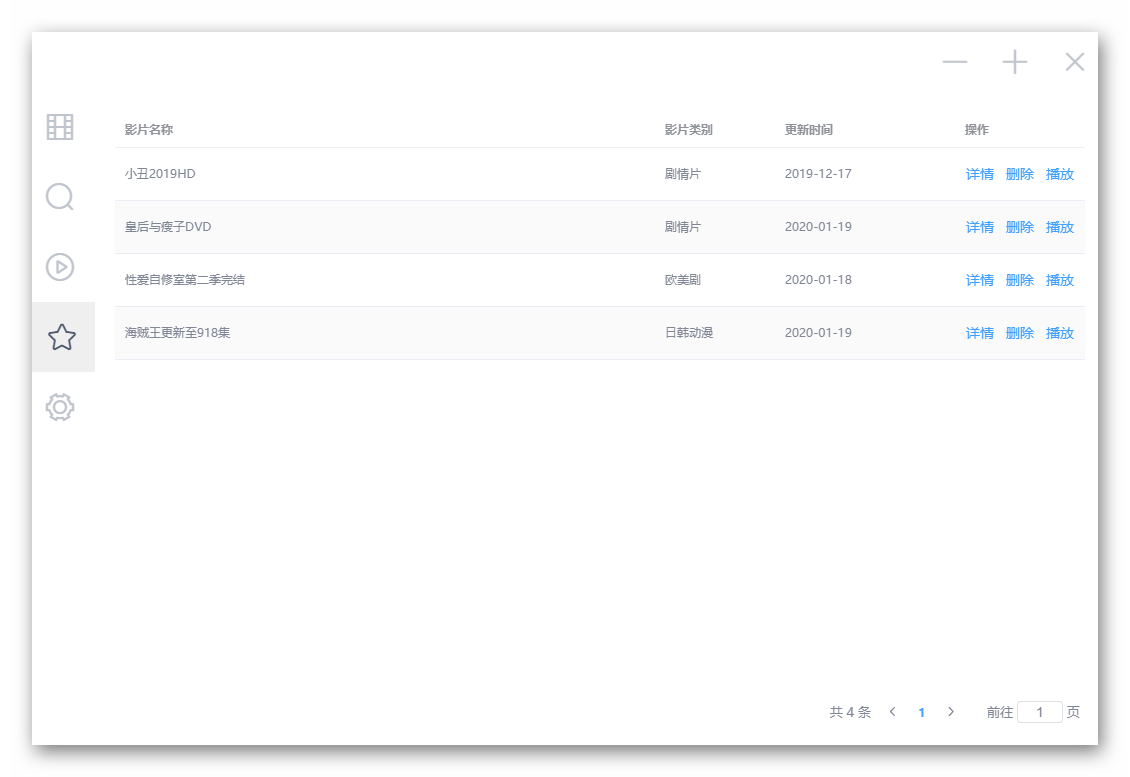
收藏 ⬇
|
|
|
|
|
|
### 下载:
|
|
|
|
[下载地址](https://github.com/Hunlongyu/ZY-Player/releases)
|
|
|
|
### 未完成:
|
|
1. 更新: 手动检测更新
|
|
2. 图标: 求一个 zy 的logo, 256x256 像素的
|
|
|
|
### 重要:
|
|
所有资源来自网上, 该软件不参与任何制作, 上传, 储存, 下载等内容. 该软件仅供学习参考, 请于安装后24小时内删除.
|
|
|